No more guessing on Monday what went wrong on Saturday.
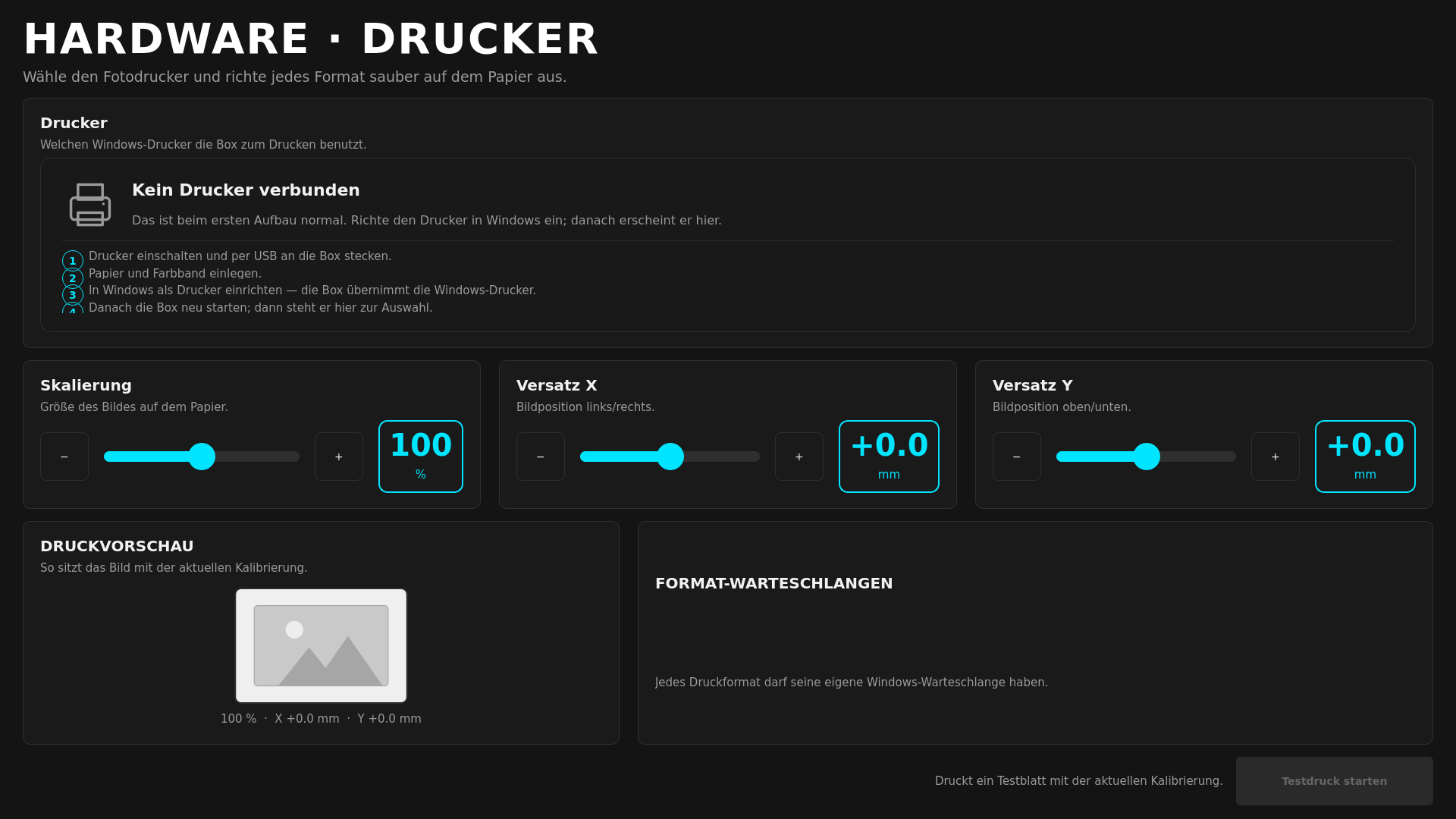
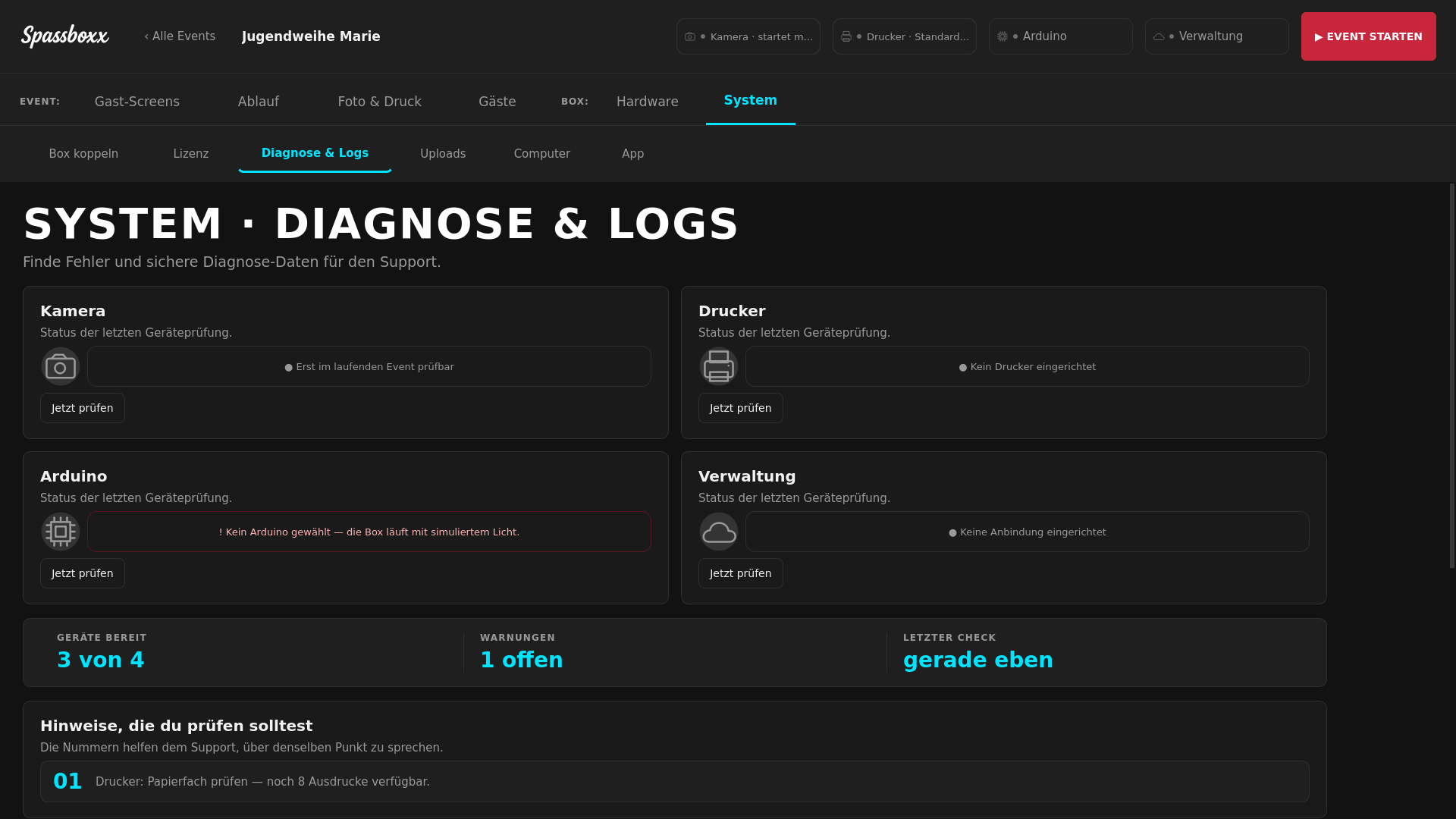
Printer status, hardware tests, diagnostics and logs live in one place. For paired booths you can reach the uploaded logs through the online management.
Buy the booth app without a cloud requirement. Shoot and print even without a connection. Add galleries and management only when they save you work.
The demo runs like a real event. Gallery and print carry a watermark.
Sound familiar?
Printer status, hardware tests, diagnostics and logs live in one place. For paired booths you can reach the uploaded logs through the online management.
Capture, design and print happen on the booth. Uploads wait and continue as soon as the connection is back.
Your gallery doesn't expire automatically after 30 days. You work within your storage quota and decide yourself which gallery stays or goes to the archive.
Buy just the Windows app for your booth. Cloud, gallery and central management are a choice – not a requirement for running guests.
Buy the app once. Build your own flow. Add the cloud only when you really need it.
Prepare events centrally, pair devices and keep galleries, licences, logs and updates together.
The purchased licence doesn't expire. Active maintenance brings new features and major versions; security updates stay separate from that.
A readiness check, clear diagnostics and an illustrated manual shorten the prep before the weekend.
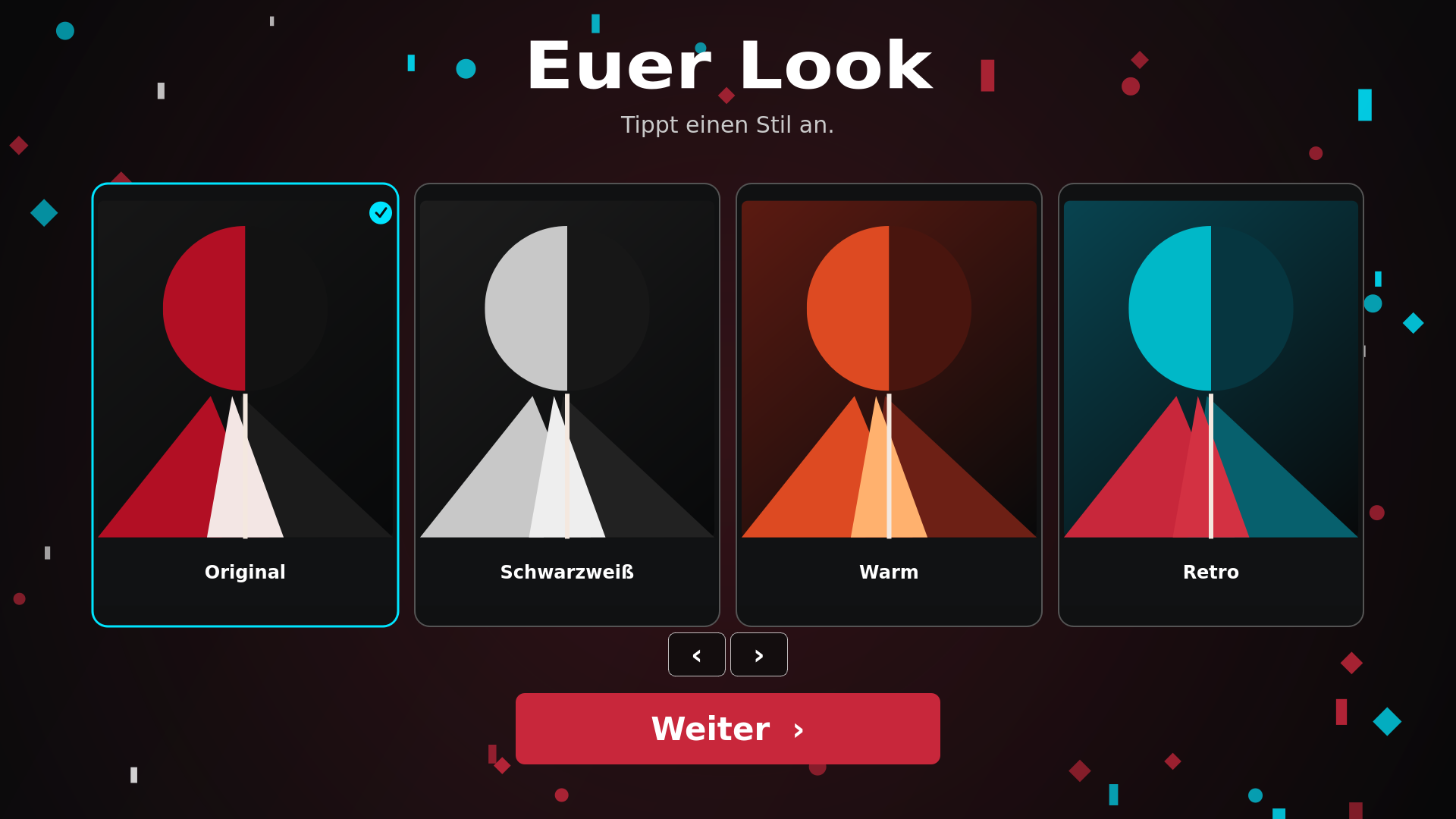
Your look
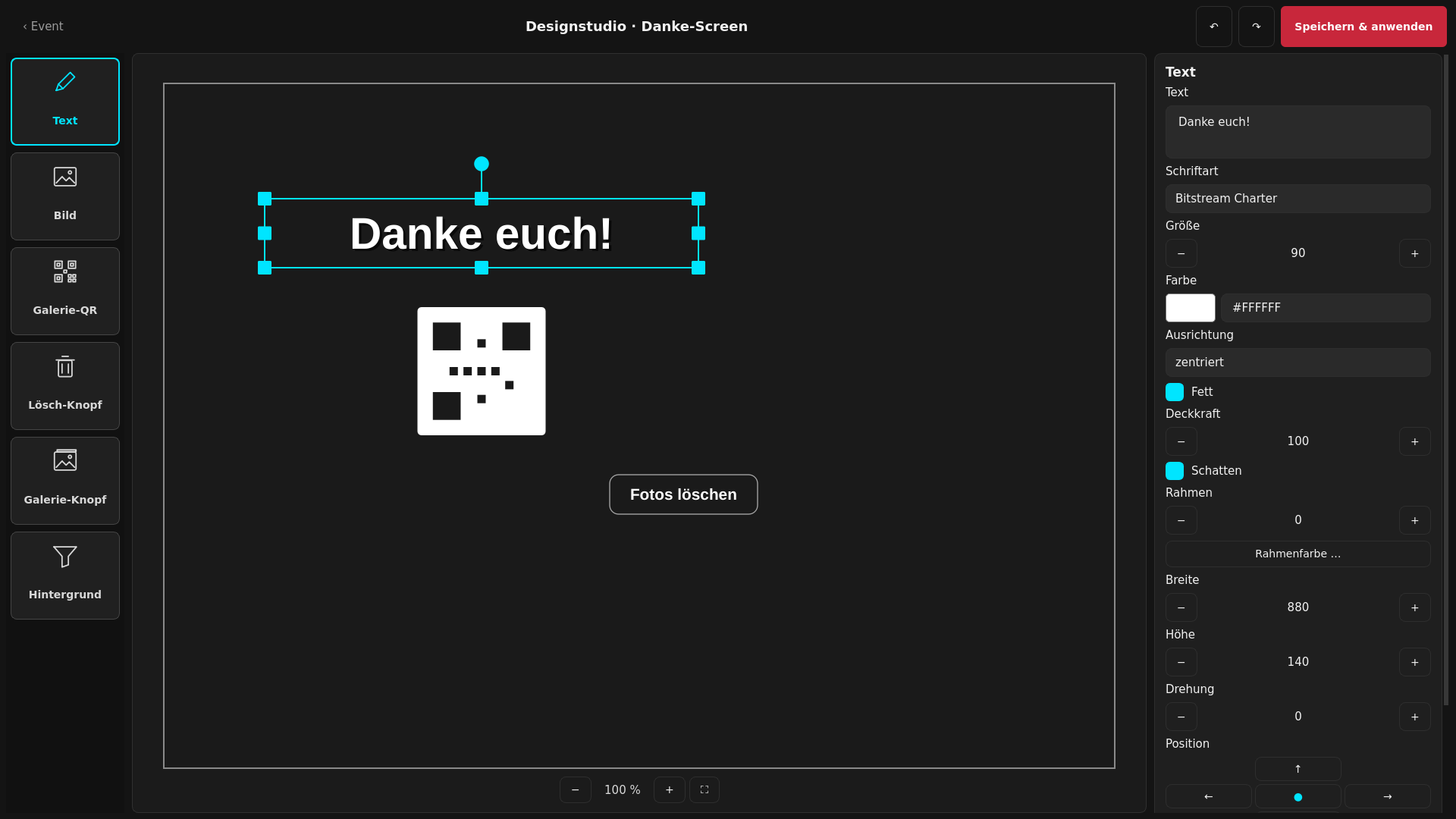
Screens and printouts come together where you see the result right away. Your customer's theme becomes a complete guest flow.
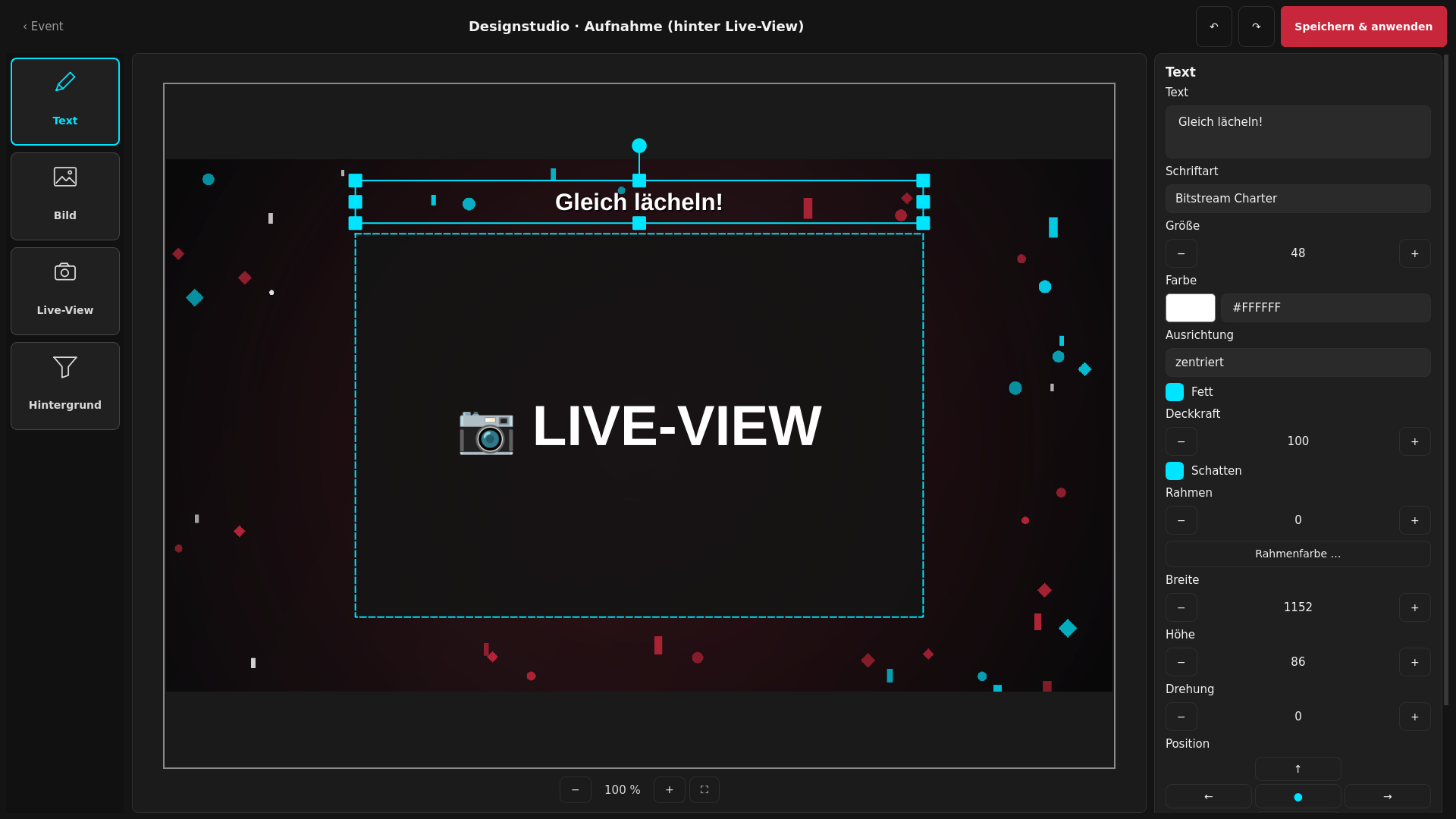
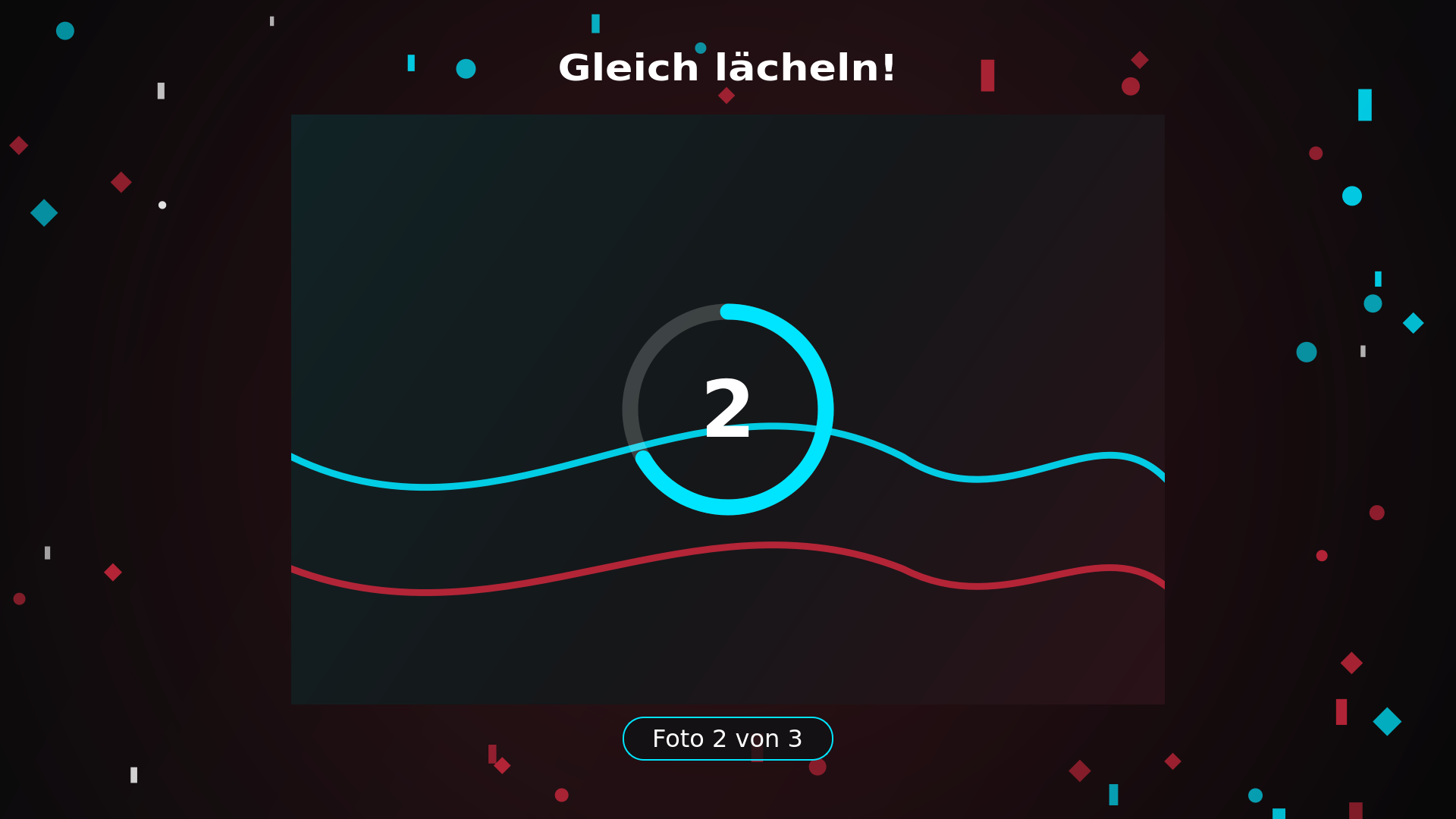
Start, consent, capture, preview, print choice, thank you and gallery can each be designed separately. For the printout you arrange photo slots, background and overlay on a visible canvas.
Build my theme in the demo →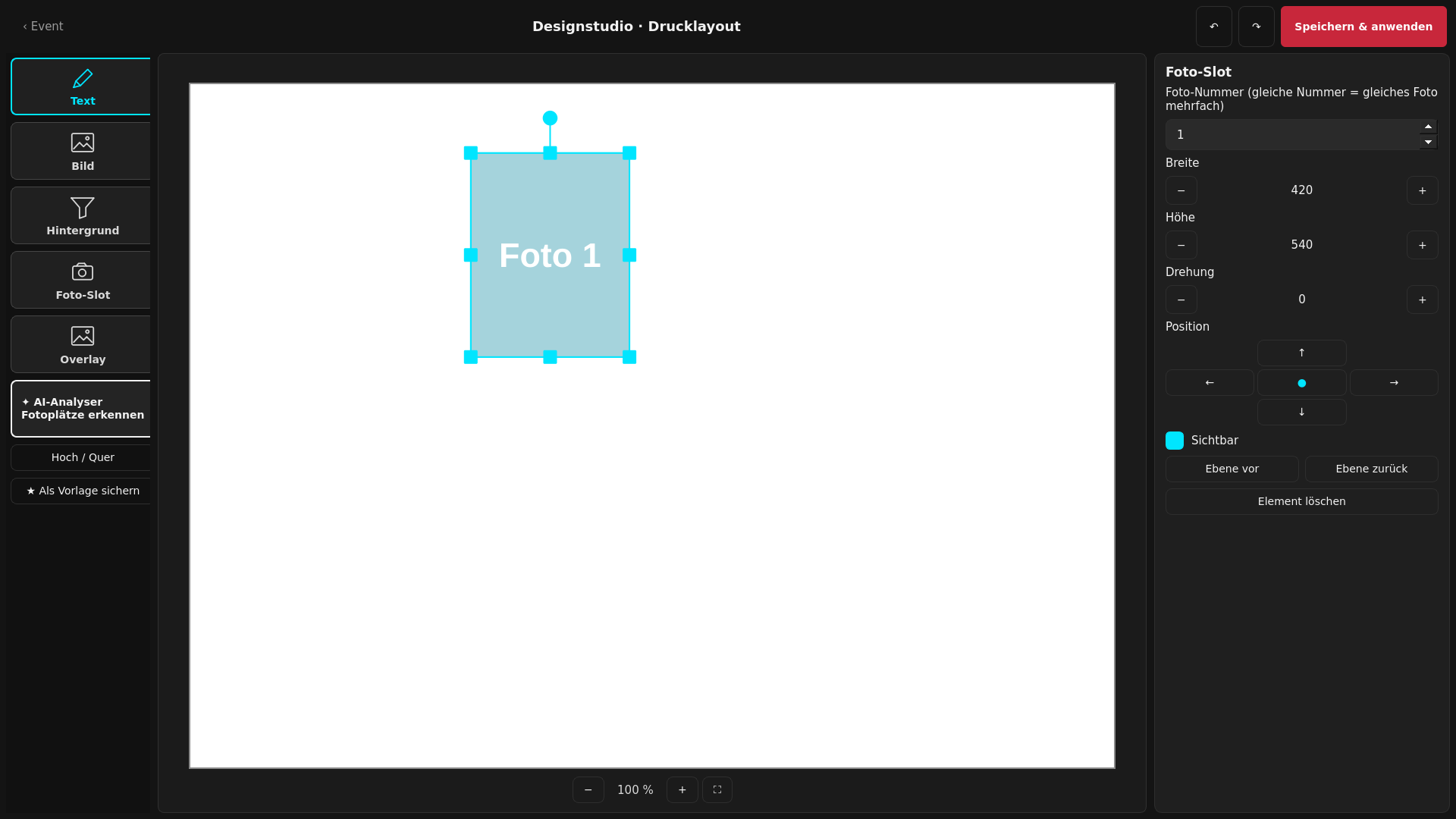
Before the first guest
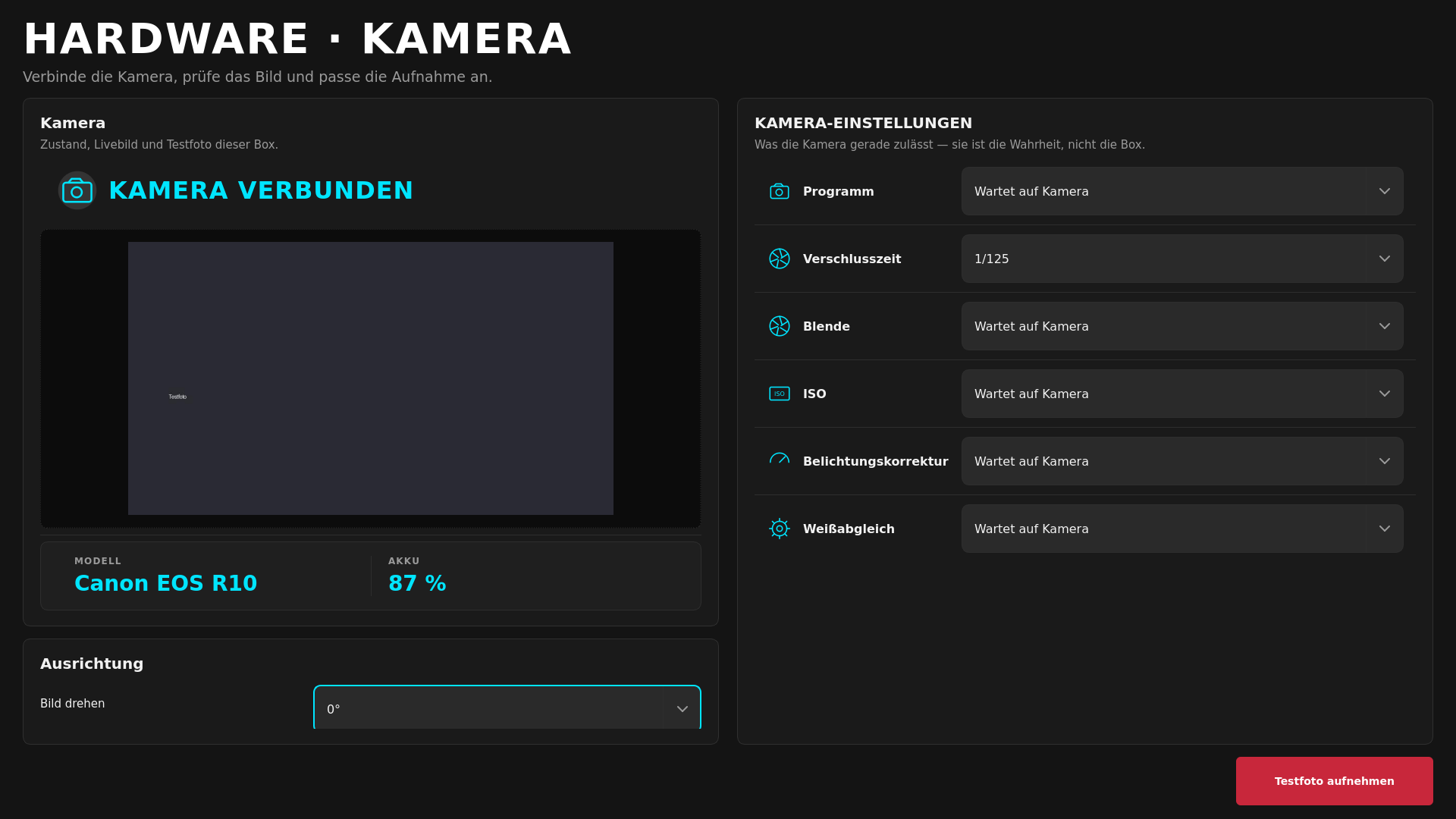
Pick the event. Check camera, printer, light and connection. Only then start guest mode. An empty printer or a missing camera stays more than a gut feeling.
Status messages depend on the supported device and its driver. That's why promised hardware is checked beforehand.
Have my hardware checked →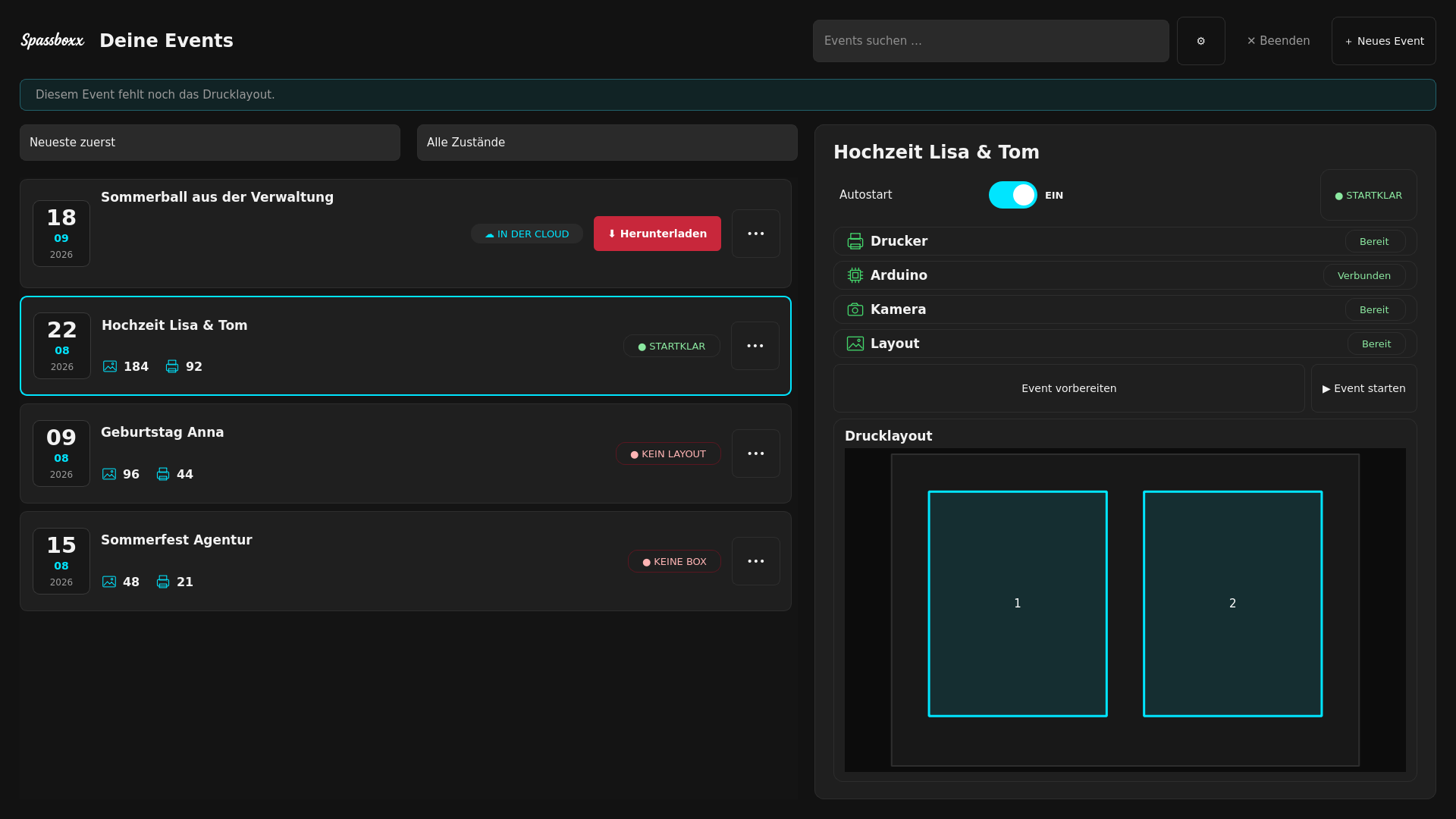
For your guests
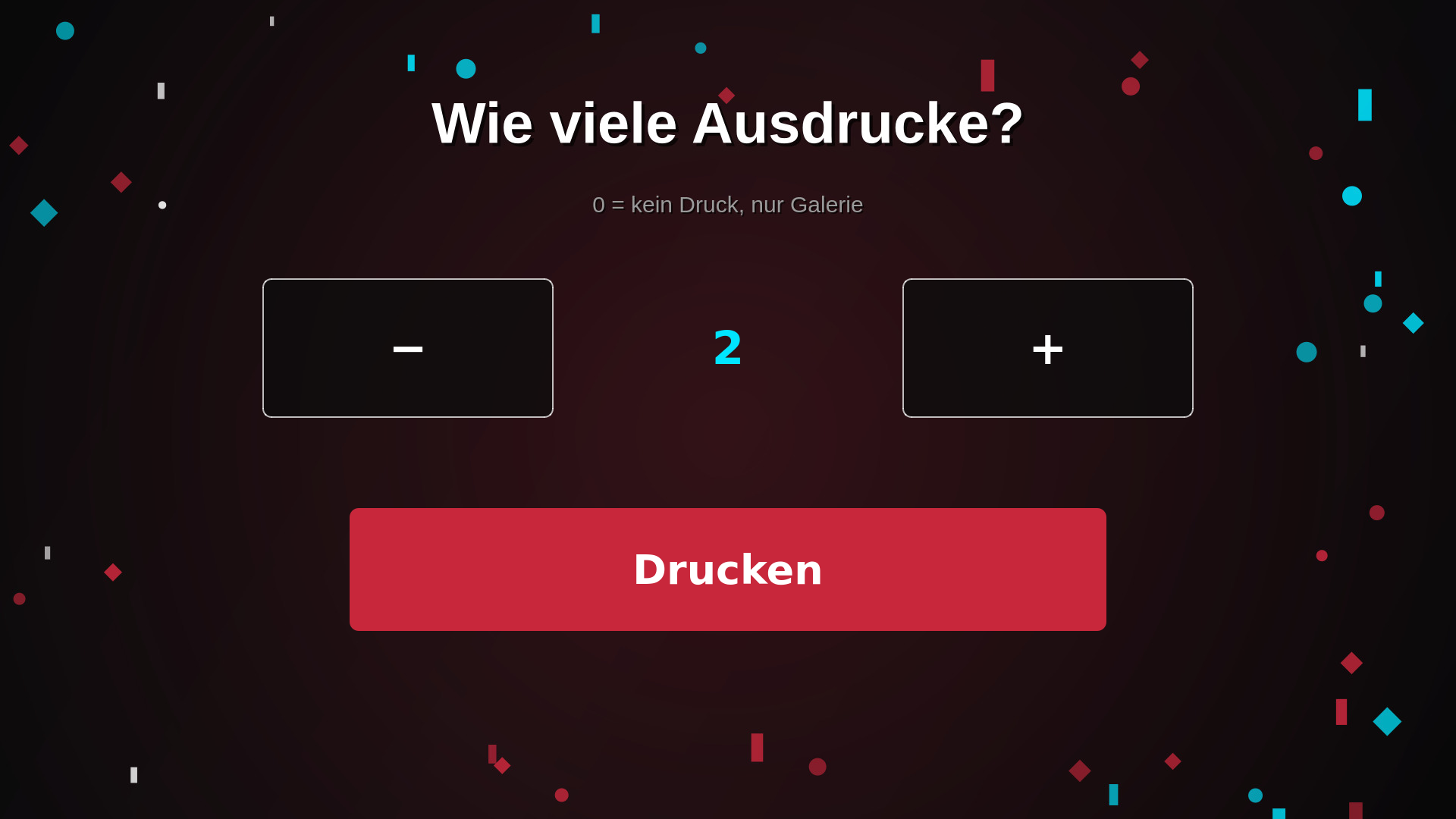
Large touch areas and your own flow guide guests through capture, series, filters, print and gallery. You decide which steps suit the event.
Try the guest flow →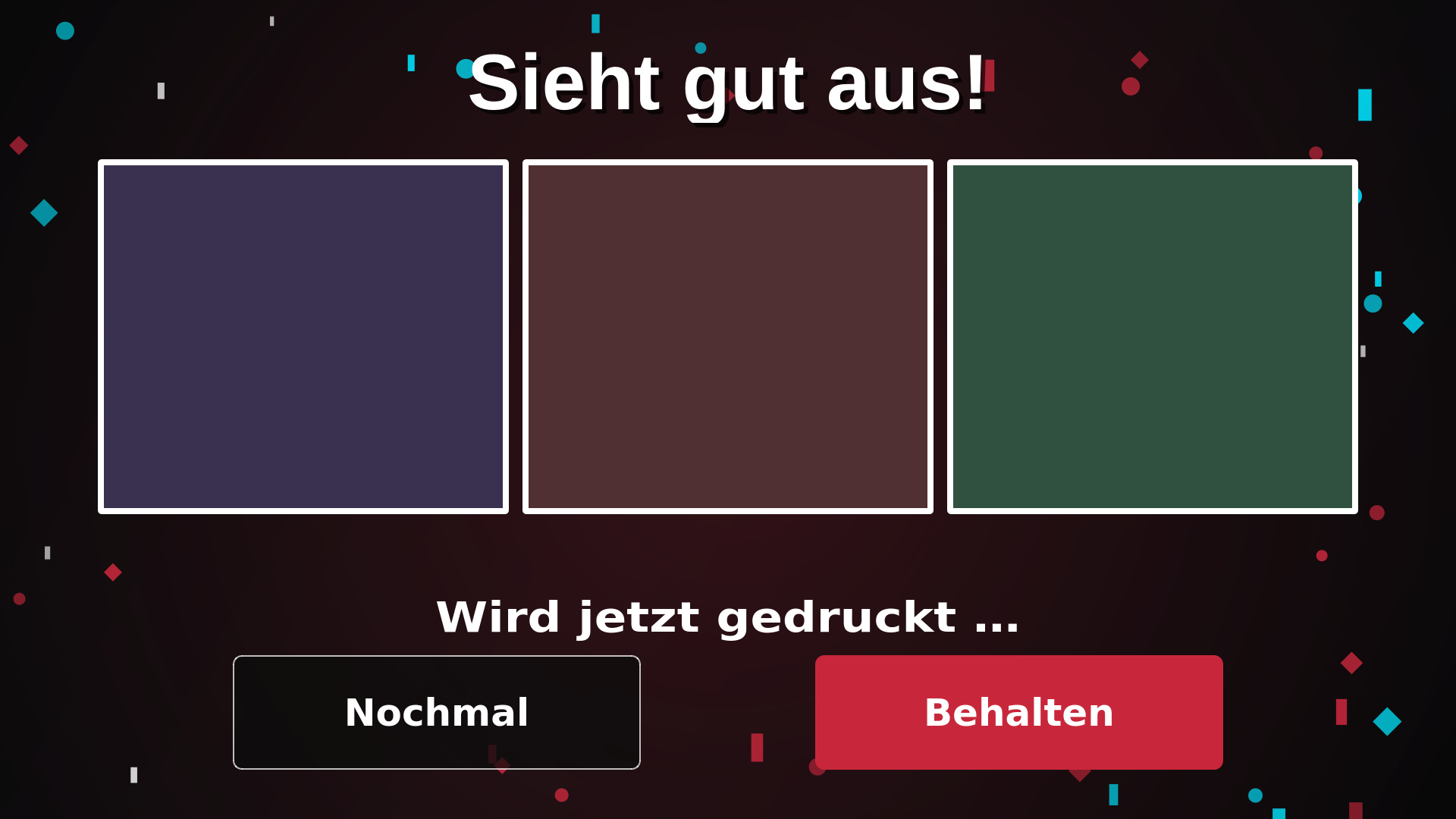
What switching gets you
BoothPilot only offers its booth software as a subscription bundled with a gallery. With Spassboxx you can buy the Windows app and keep using the booking or invoicing program you already have.
Capturing, designing and printing are local jobs. Uploads are buffered. When the connection comes back, they're caught up.
BoothPilot states a 30-day automatic deletion. With Spassboxx you decide within your storage quota how long a gallery stays available or archived.
Comparison as of 17 August 2026. Based on the BoothPilot product page, a market analysis and a product teardown.
Check a switch →When the cloud saves you work
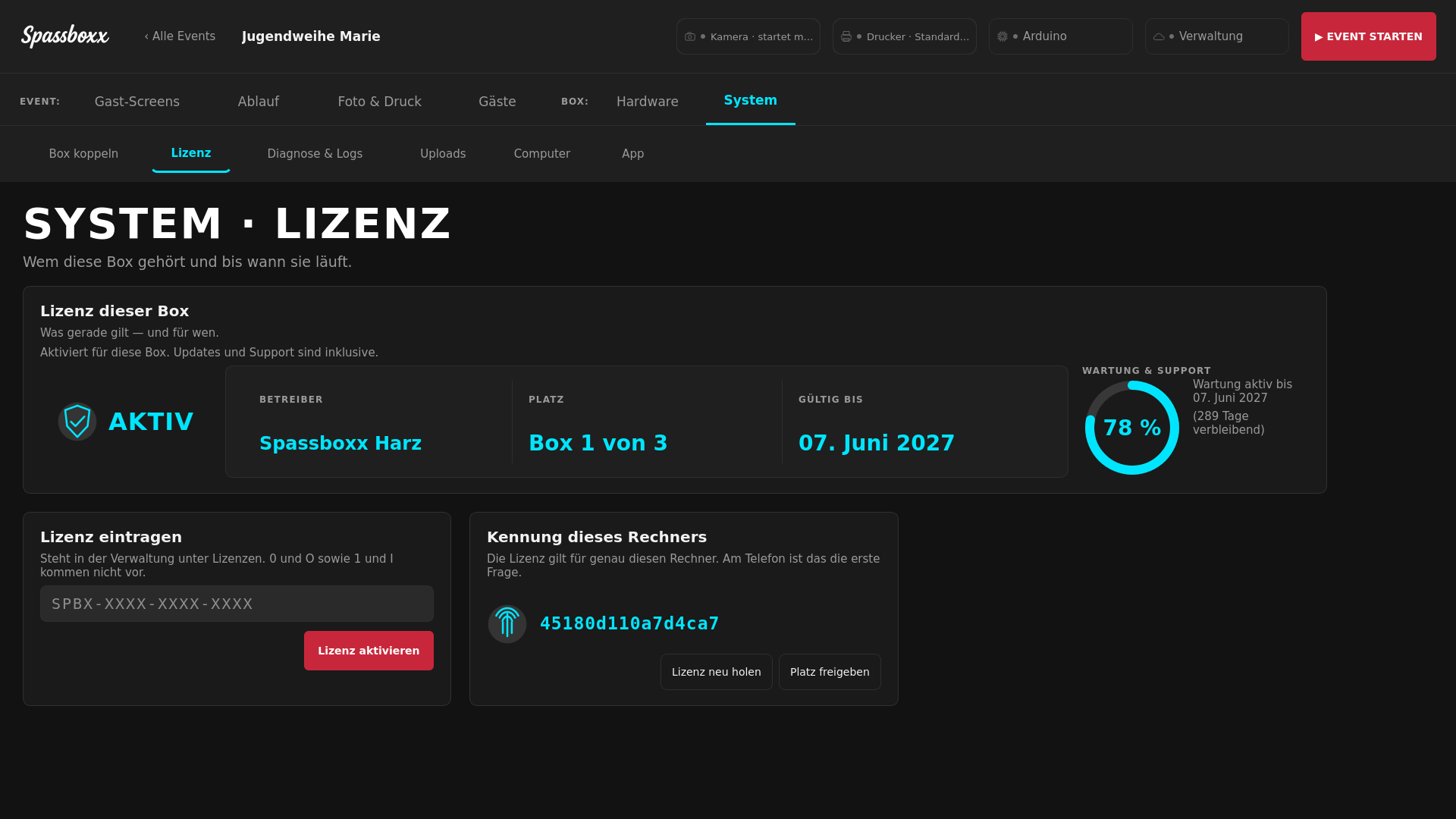
Pair your booth with the online management. That's where you keep events, devices, galleries, licences, diagnostics, logs and released updates together.
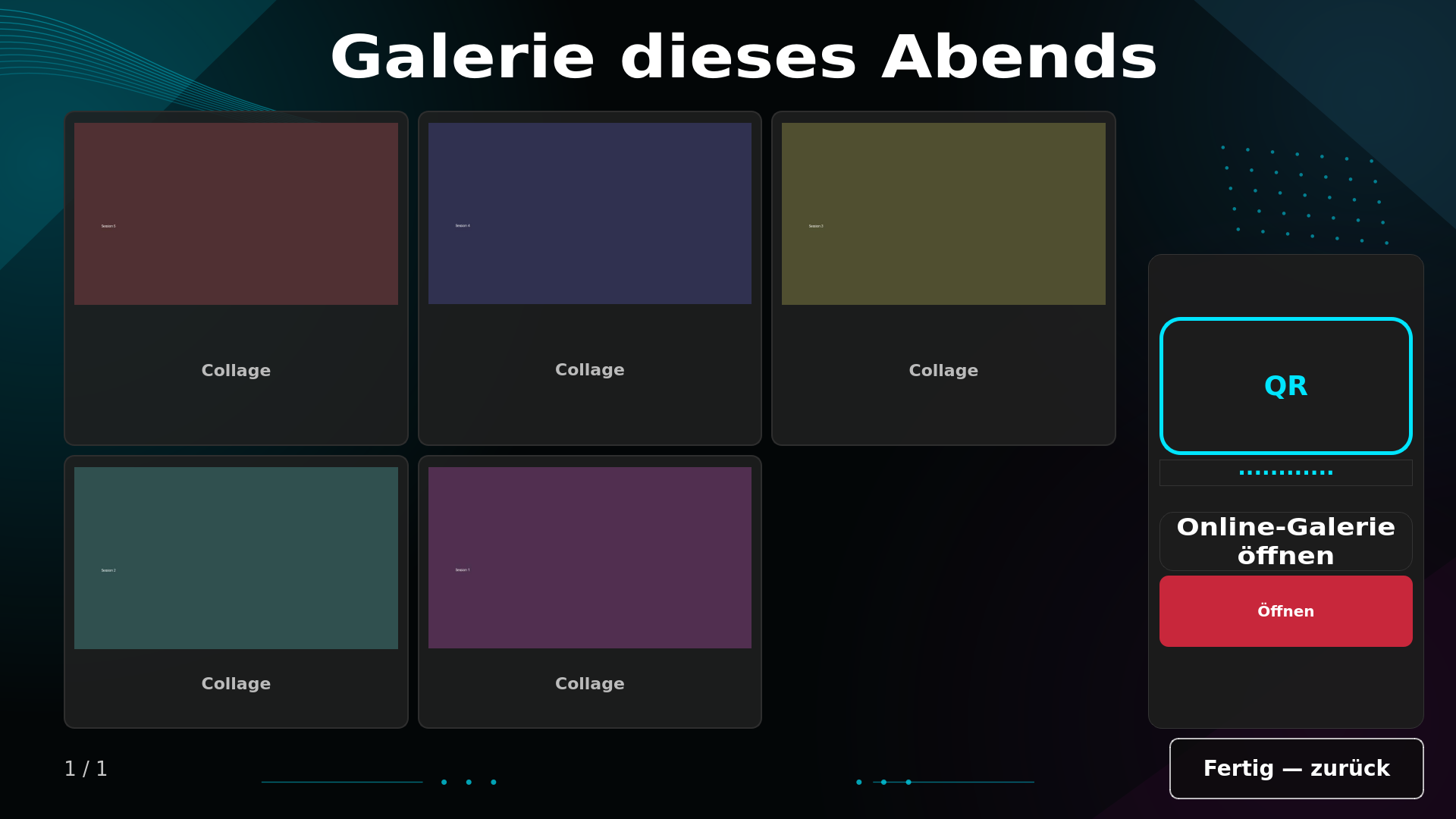
The gallery gets QR access. Photos can be archived and brought back later, without deleting them when you archive.
See the cloud management →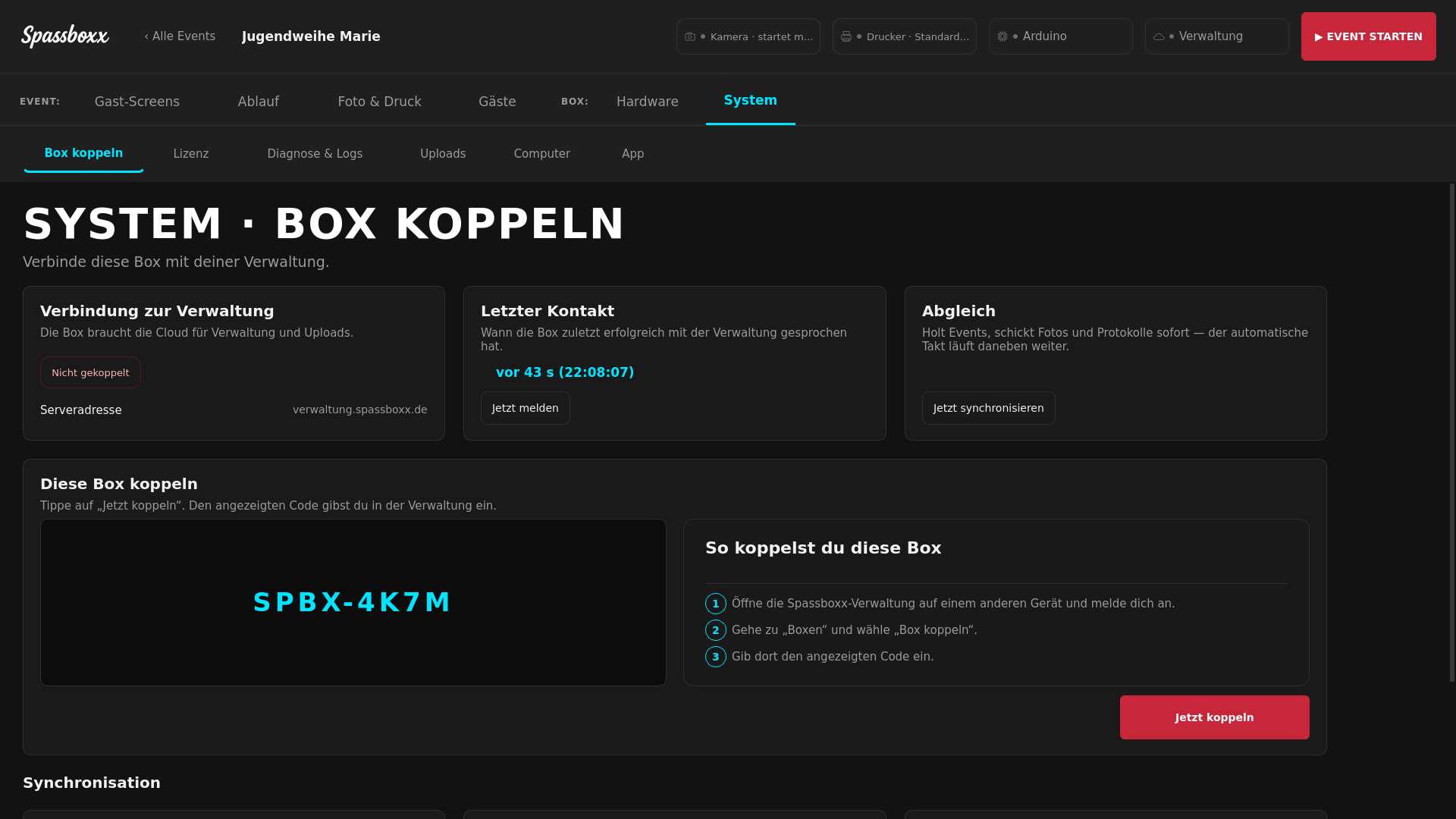
Buy or subscribe?
Already have a booking program? Then buying is often enough. Want to manage booths and galleries online? Then add the cloud.
€300 / booth
plus €79 maintenance per booth and year
from €29 / month
for up to 2 booths, +€12 per additional one
€300 / booth
plus from €19/month for up to 2 booths
Five-year figures net; stand-alone calculated with continuous maintenance. All prices net. Scope of contract, hardware approval and start date are set out in the quote. The pricing model is decided internally but not yet finally settled.
Why it was built
Spassboxx Booth grew out of an active photo booth rental business in the Harz region of Germany. Camera, printer, light and upload have to work together on a Saturday night – not just in a presentation.
That's why operation and hardware are tested on real booths. The origin isn't the point in itself. It's what makes the small frictions of rental work show up at all.
Test first. Then decide.
Send your camera, printer, number of booths and the program you use today. Then we can sort out before the switch what's already tested and where a hardware check is still needed.